
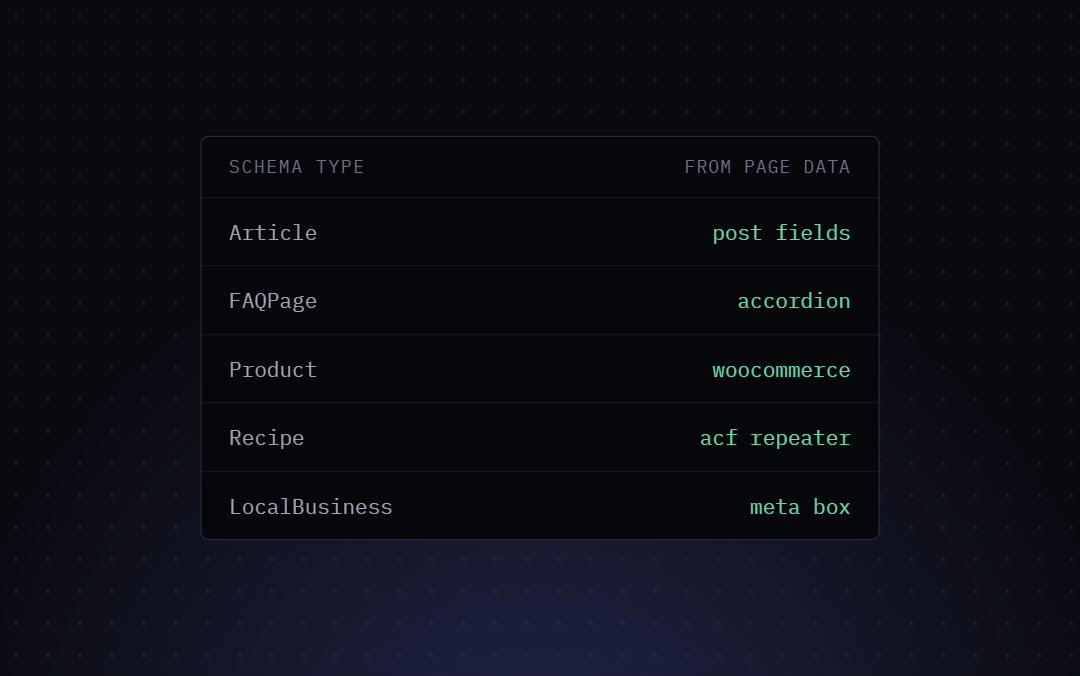
In this post, we will explore how Bricks SEO generates precise, page-matching JSON-LD by deeply integrating with Bricks Builder and dynamic data. We cover seven core schema types and detail exactly where each pulls its data to ensure maximum compliance and rich snippet eligibility.
Why Page-Matching JSON-LD Matters
Generic SEO plugins often inject boilerplate Schema based on the post type. While this might pass a basic validation test, it fails to capture the unique, granular data present in custom Bricks templates. If your page features a custom review box, an author bio, or specific event details rendered via Bricks dynamic data tags, your Schema should reflect that. Mismatched Schema can lead to manual penalties or loss of rich results.
Bricks SEO solves this by natively binding Schema properties to your Bricks data sources.
The Core Schema Graph
Bricks SEO builds one unified JSON-LD graph per page, automatically — no field mapping required.
1. Identity & site nodes.
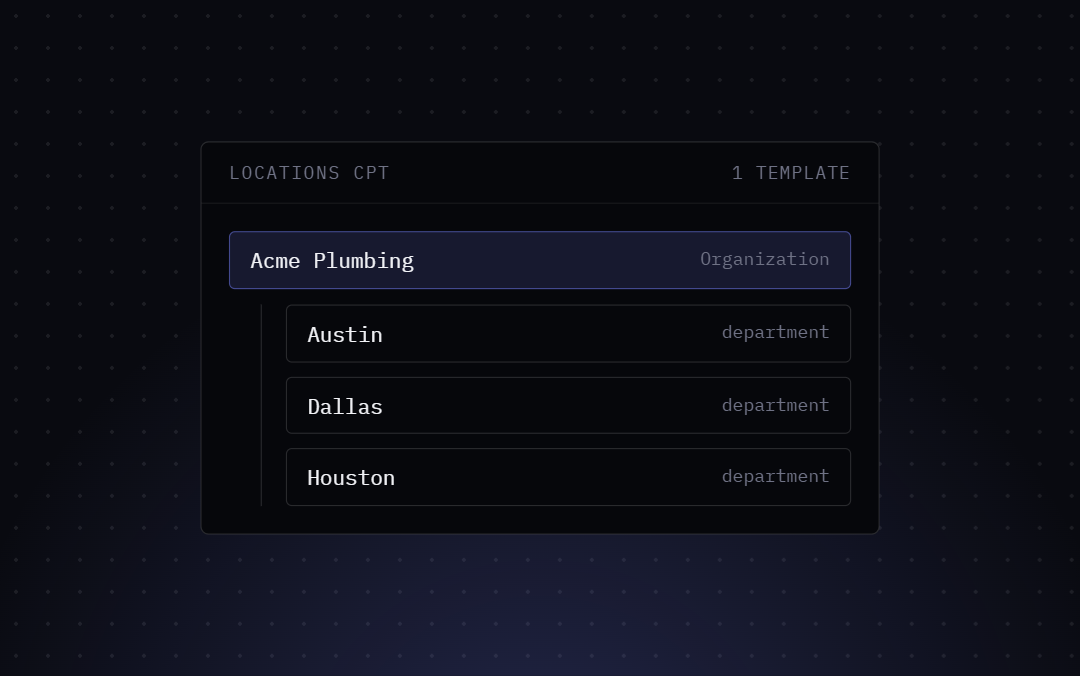
Every page includes a WebSite node and an Organization (or Person) node, built from your name, logo, and business type in the settings.
2. WebPage & Article.
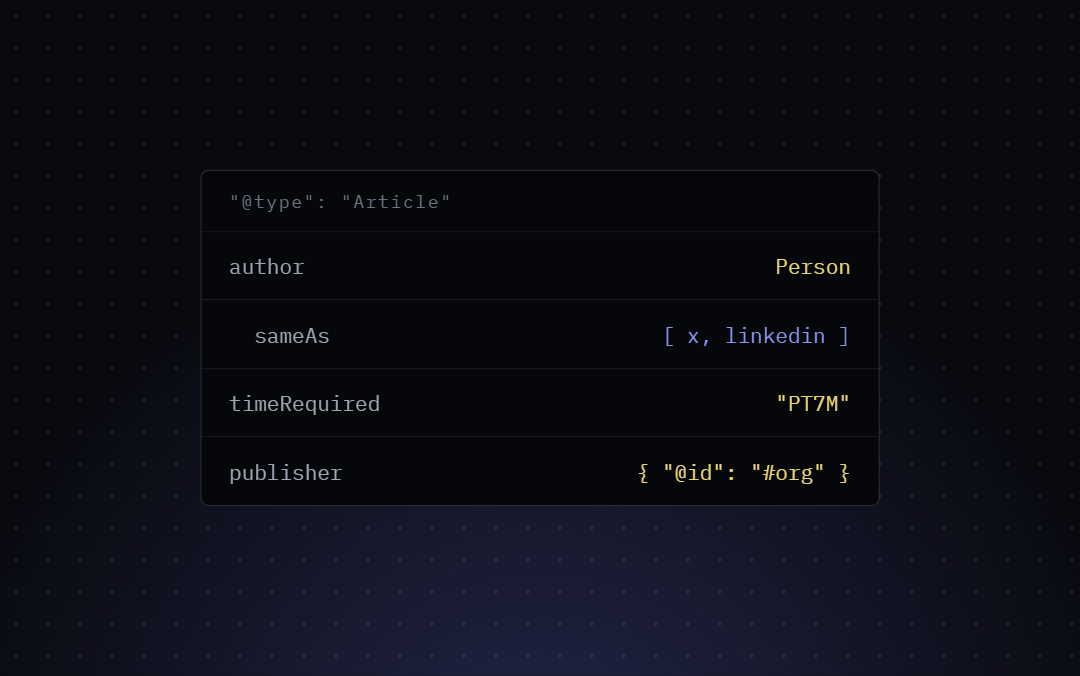
Single posts and pages get a WebPage node, plus an Article/BlogPosting node (your choice, per-page) with a BreadcrumbList. Author data pulls from the WordPress user profile — display name and author URL.
3. Archives.
Category and tag archives get a CollectionPage node; author archives get a ProfilePage node. These don’t include an Article or BreadcrumbList node — archives have no single authored page to attribute one to.
4. WooCommerce Product & Review.
On product pages, if WooCommerce is active, Bricks SEO automatically adds a Product node (price, availability, SKU, image) and Review/AggregateRating nodes — sourced strictly from real, approved customer reviews with an actual star rating. Nothing is fabricated from page content.
Example: A Real Product Page
{
  "@type": "Product",
  "name": "Example Product",
  "sku": "SKU-123",
  "offers": {
    "@type": "Offer",
    "priceCurrency": "USD",
    "price": "49.00",
    "availability": "https://schema.org/InStock"
  },
  "aggregateRating": {
    "@type": "AggregateRating",
    "ratingValue": "4.5",
    "reviewCount": "2"
  }
}
There’s no manual mapping step. If the data exists on your site (a real WooCommerce product, a real review), the schema reflects it; if a field is empty, it’s omitted rather than shown blank.